How to extract your WhatsApp data without root — the definitive guide
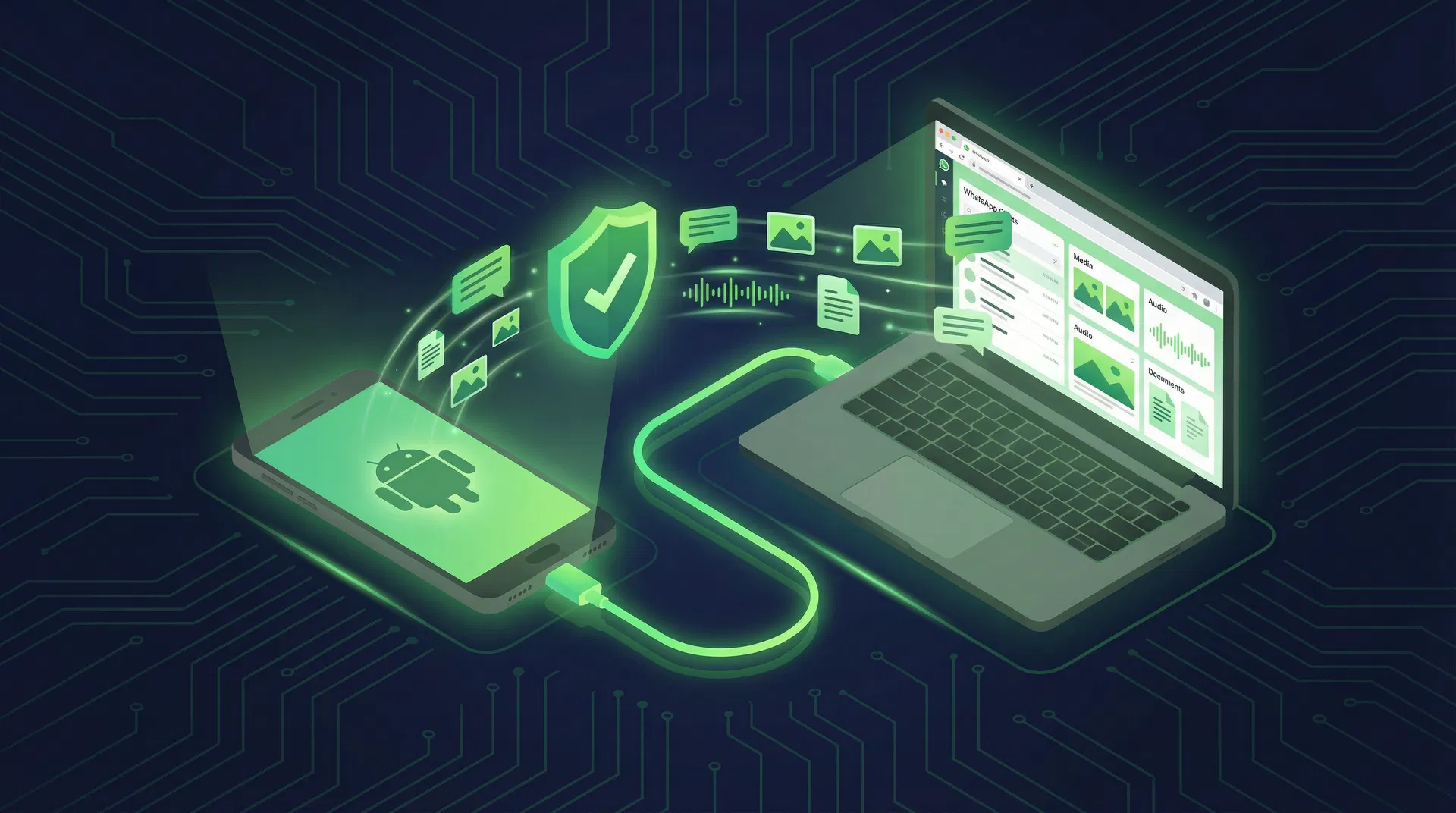
If you have ever searched "how to extract WhatsApp data" on Google, you have probably encountered a flood of tutorials that end with the same demand: root your phone. Or they suggest installing dubious apps that request access to everything — camera, microphone, contacts, location — to "recover" your messages.
The good news is that none of this is necessary. In 2026, there are legitimate, safe, and root-free methods to extract your WhatsApp data. This article explains each one, their real limitations, and why a tool like ChatDive solves the problem definitively.
Why does WhatsApp make it so hard to access your own data?
WhatsApp stores your messages in an encrypted SQLite database called msgstore.db.crypt15, located in a protected Android folder (/data/data/com.whatsapp/). This folder is inaccessible without superuser (root) permissions — a security decision made by Android, not WhatsApp.
In practice, this means your data is on your phone, but you do not have permission to access it directly. It is like having a safe in your house whose key belongs to the manufacturer.
This architecture creates a paradox: WhatsApp insists your data belongs to you, but offers no tool to export it completely. The app's built-in "Export chat" function is limited to 40,000 messages per chat without media, or 10,000 with media — and generates an unstructured .txt file that is impossible to restore from.
The 5 root-free extraction methods (and their limitations)
1. Google Drive Backup
The most well-known method. WhatsApp automatically backs up to Google Drive (if configured), and you can restore it on a new phone.
| Advantage | Limitation |
|---|---|
| Automatic and free | Not a file you can download or open |
| Includes messages and media | Deleted after 5 months of inactivity |
| Works for restoration | Impossible to extract partial data |
| Counts against your 15GB Google quota | |
| If E2E password is lost, data is unrecoverable |
Verdict: Works for simple restoration, but does not allow access, search, or export of data.
2. Local backup (msgstore.db.crypt15)
WhatsApp also maintains local backups in /sdcard/Android/media/com.whatsapp/WhatsApp/Databases/. These files can be copied via USB.
| Advantage | Limitation |
|---|---|
| Accessible without root | Encrypted (needs key to open) |
| Can be copied to PC | The key is in the protected /data/data folder |
| Multiple versions (last 7 days) | Without the key, the file is useless |
Verdict: You can copy the file, but you cannot read it without the decryption key — which is precisely in the folder that requires root.
3. ADB Backup (legacy method)
Android Debug Bridge (ADB) used to allow backing up individual apps with adb backup. This method worked until Android 11.
| Advantage | Limitation |
|---|---|
| Does not require root | Disabled on Android 12+ |
| USB access | WhatsApp blocked allowBackup |
| Incomplete backup (no media) |
Verdict: Obsolete. Does not work on modern phones.
4. Export chat (native function)
WhatsApp itself offers "Export chat" in each chat's settings.
| Advantage | Limitation |
|---|---|
| Official and safe | Limit of 40,000 msgs (no media) or 10,000 (with media) |
| No extras needed | Unstructured .txt format |
| One conversation at a time (manual) | |
| Impossible to restore from the .txt | |
| No metadata (read time, status, etc.) |
Verdict: Useful for saving a specific conversation, but unfeasible for anyone with hundreds of chats.
5. WebUSB + ADB (the modern method)
WebUSB technology allows a website to access USB devices directly through the browser, with explicit user permission. Combined with the ADB (Android Debug Bridge) protocol, it is possible to access the phone through the browser without installing anything.
| Advantage | Limitation |
|---|---|
| No root, no installation | Requires USB Debugging enabled |
| Works in the browser | Only works in Chromium (Chrome, Edge, Brave) |
| Access to crypt15 backup + key | Requires authorization on phone |
| Extracts contacts, media, metadata | |
| 100% local processing |
Verdict: The most complete and secure method available in 2026. This is exactly what ChatDive uses.
How ChatDive extracts your data (no root, no installation, no cloud)
ChatDive uses the WebUSB + ADB combination to offer complete WhatsApp data extraction directly in the browser. The process works like this:
Step 1 — Connect your phone via USB. Plug the USB cable into your computer and open ChatDive in Chrome. The site detects your device automatically.
Step 2 — Authorize the connection. A window appears on your phone asking to authorize USB debugging. You tap "Allow" once.
Step 3 — Automatic extraction. ChatDive accesses the local WhatsApp backup (msgstore.db.crypt15), the decryption key, contacts, and media. Everything is processed locally in your browser — no data is sent to servers.
Step 4 — Explore, search, export. Your conversations appear organized, searchable, with named contacts and accessible media. You can export in Markdown, JSON, CSV, or legal evidence format.
The critical differentiator: your data never leaves your computer. ChatDive processes everything in the browser using WebAssembly and Web Crypto API. There is no upload, no intermediary server, no risk of leakage.
Comparison: root-free extraction methods
| Method | Messages | Media | Contacts | Search | Export | No install |
|---|---|---|---|---|---|---|
| Google Drive | Restore only | Partial | No | No | No | — |
| Local backup | Encrypted | No | No | No | No | — |
| ADB Backup | Android ≤11 | No | No | No | No | No |
| Export chat | 40K limit | 10K limit | No | No | .txt | — |
| ChatDive (WebUSB) | All | All | Yes | Yes | 4 formats | Yes |
Frequently asked questions
Do I need to root my phone? No. ChatDive uses WebUSB + ADB, which works with USB Debugging enabled. Your phone remains untouched.
Is my data sent to any server? No. All processing happens locally in your browser. ChatDive is a client-side application. Your data does not leave your computer.
Does it work with any Android phone? Yes, it works with any Android that supports USB Debugging (Android 5.0+). It does not work with iPhone (which uses iCloud for backups).
Do I need to install any software on my computer? No. ChatDive works directly in Chrome (or Edge, Brave). No download, no installation.
Is it legal to extract my own data? Yes. Your data belongs to you. ChatDive simply facilitates access to information already on your device. There is no terms of service violation in accessing your own backups.
Conclusion
Extracting WhatsApp data without root is no longer an unsolvable technical problem. With the advancement of WebUSB and tools like ChatDive, anyone can access, search, organize, and export their conversations — no root, no installation, no cloud uploads.
If you have years of important conversations on WhatsApp and want to ensure they are safe and accessible, try ChatDive for free. In 5 minutes, your memories will be protected.
Your data. Your control. Your peace of mind.