You're Holding On to a Dying Phone Because You're Afraid of Losing Your WhatsApp History
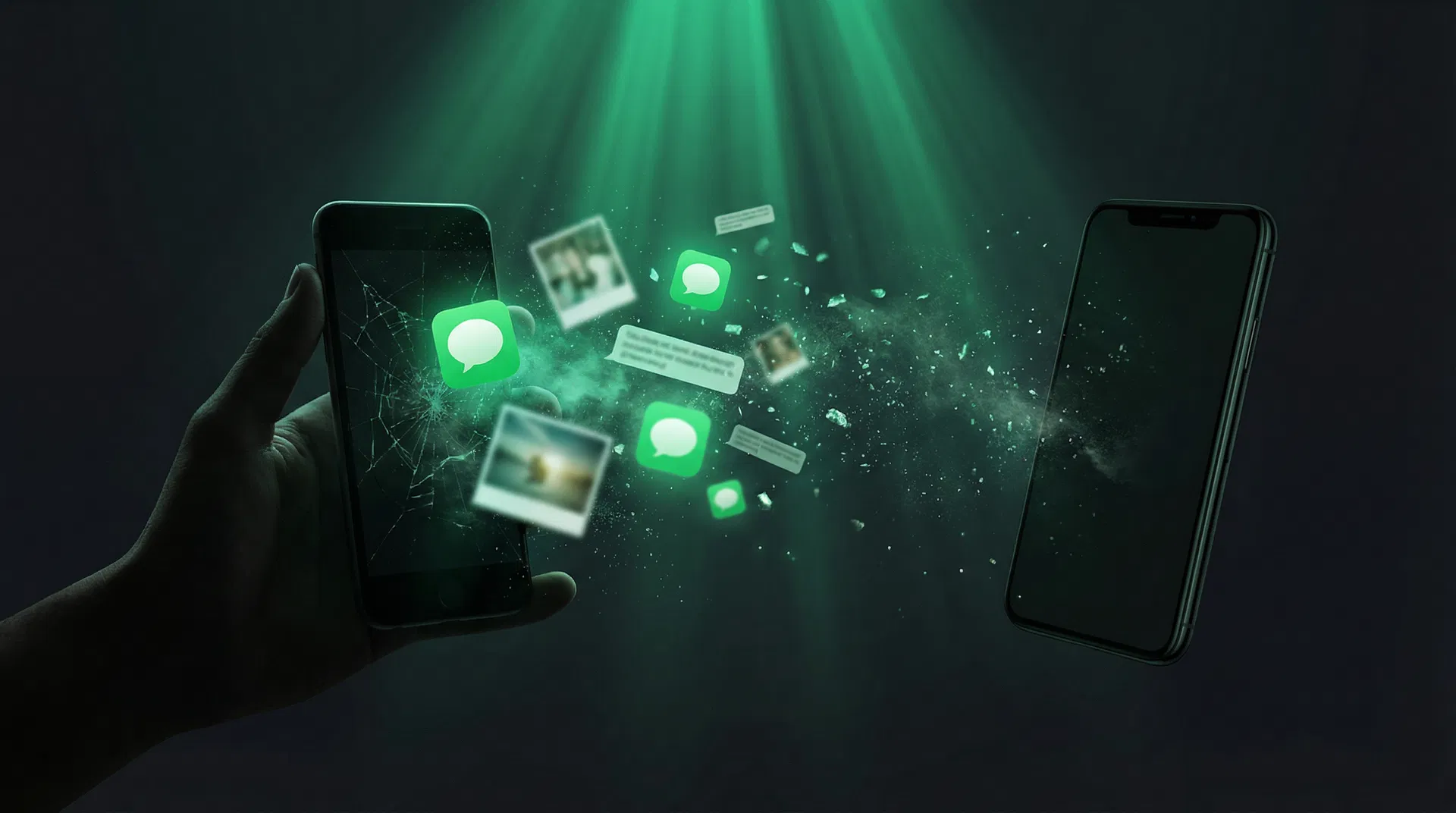
There is a quiet anxiety that haunts over a billion people worldwide. It has nothing to do with money, health, or relationships — at least not directly. It is the creeping dread of upgrading your phone and losing years of WhatsApp conversations in the process.
If you have ever looked at a shiny new phone in a store, felt a rush of excitement, and then immediately thought "but what about my chats?" — this article is for you. You are not paranoid. You are not overreacting. The risk is real, it is well-documented, and until now, the solutions have been woefully inadequate.
But that changes today.
3 Billion People, One Fragile Backup System
WhatsApp is the most widely used messaging platform on the planet. As of 2025, it has surpassed 3 billion monthly active users who collectively exchange more than 150 billion messages every single day. In countries like Brazil, India, Indonesia, Argentina, and across Europe and Africa, WhatsApp is not just a messaging app — it is the primary infrastructure of daily communication. In Brazil alone, 93% of the population uses it actively. In India, over 500 million people depend on it.
Yet despite this staggering scale, WhatsApp's approach to data preservation remains surprisingly primitive. Messages are stored locally on your device, not synced to the cloud like email or iCloud Photos. The backup system relies on Google Drive (Android) or iCloud (iPhone), and it is riddled with failure points that most users only discover when it is too late.
Every 2.5 to 3.5 years — the average smartphone replacement cycle globally — hundreds of millions of people face the same terrifying question: will my messages survive the switch?
For over 60% of them, the answer is no.
The Seven Ways WhatsApp Backup Fails You
Most people believe their WhatsApp data is safe because they see "Backup completed" in their settings. But that green checkmark hides a minefield of limitations:
| Failure Mode | What Happens |
|---|---|
| Backup auto-deleted after 5 months of inactivity | Google automatically removes WhatsApp backups that have not been updated in 5 months. No warning. No recovery. |
| Account deleted after 120 days of inactivity | If you do not use WhatsApp for 120 days, your entire account — and everything associated with it — is permanently deleted |
| Forgot your end-to-end encryption password? | Your backup is permanently inaccessible. WhatsApp cannot recover it. Apple Support confirms: "You can't restore your backup if you forget your password" |
| Google Drive storage quota now applies | WhatsApp backups used to be free on Google Drive. They now count toward your 15GB limit. Many users run out of space without realizing it |
| Transfer gets stuck mid-process | The official device-to-device transfer frequently freezes at 40%, a problem so common it has its own Reddit threads |
| Media files vanish during transfer | One user carefully preserved 4+ years of chats since 2017, used the official transfer, and lost 70% of all media — photos, videos, documents, voice notes. All gone. |
| Cross-platform transfer is unreliable | Moving from Android to iPhone (or vice versa) remains a gamble, with partial transfers and missing media reported regularly |
WhatsApp's official response to users who lose data? A template email suggesting they reinstall the app and try restoring from backup. The same backup that just failed them.
What You Are Actually Losing
When we talk about "losing WhatsApp data," the scale of what is at stake is often underestimated. This is not about losing a few memes or sticker packs. Consider what lives inside your WhatsApp:
Irreplaceable memories. The last voice note from a grandparent who has passed away. The photo of your newborn sent to the family group at 3 AM. The conversation where your best friend told you they were moving to another country. These are not files. They are fragments of your life.
Critical documents. Contracts shared as photos. Payment receipts. Medical prescriptions. Insurance claim numbers. Tax documents forwarded "just quickly" through chat. For millions of people, WhatsApp is an informal filing cabinet — and the only copy of many important records.
Professional history. Client negotiations. Project approvals. Briefings received as voice notes. Decisions made in work groups that were never formalized in email. Losing these means losing institutional knowledge that cannot be reconstructed.
Your contact network. Phone numbers that exist only in WhatsApp. Contacts saved only by first name in a group. Service providers, freelancers, colleagues from three jobs ago. When the chat history disappears, so do these connections.
This is why so many people keep using a phone with a cracked screen, dying battery, and glacial performance rather than risk the upgrade. The fear is not irrational. It is a rational response to a system that offers no guarantees.
The Illusion of Safety
Most users feel protected because they see "Last backup: today at 2:00 AM" in their WhatsApp settings. But this creates a dangerous false sense of security for several reasons.
Your Google Drive backup is not a file you can download and keep. It is locked inside Google's infrastructure, accessible only through WhatsApp's own restore process. You cannot open it, read it, export it, or transfer it manually. If the restore fails, there is no plan B. You cannot even verify what is inside the backup before you need it.
The backup may not include all your media. Depending on your settings and available storage, photos, videos, and voice notes may be excluded from the backup to save space. Many users discover this only when they restore on a new phone and find conversations stripped of every image and video.
If you enabled end-to-end encrypted backups — a feature WhatsApp actively promotes as a security measure — and you forget the 64-character password or lose your encryption key, your data is permanently locked. There is no "forgot my password" flow. There is no support ticket that can help. The data exists on Google's servers, encrypted, and you will never access it again.
Perhaps most alarming: the backup system is entirely passive. It does not warn you when backups fail. It does not alert you when storage is full. It does not notify you that your backup is about to be auto-deleted. It simply stops working, silently, and you find out months later when you need it most.
ChatDive: The Solution That Should Have Existed From Day One
ChatDive was built for exactly this problem. It is a web-based tool that lets you extract, browse, organize, and migrate your entire WhatsApp history — messages, contacts, media, and metadata — securely, completely, and independently of Google Drive or iCloud.
How It Works
The process is intentionally simple. Three steps, no technical knowledge required:
Step 1 — Connect your phone. Plug your Android into your computer with a USB cable. Authorize the connection on the popup that appears on your phone screen. Works with any Android device: Samsung, Motorola, Xiaomi, Realme, OnePlus, Google Pixel, and more.
Step 2 — Automatic extraction. ChatDive extracts your messages, contacts, media, and metadata automatically. The critical difference: everything is processed in your browser. Your data never leaves your computer. Zero uploads. Zero server-side processing. Zero risk of leaks.
Step 3 — Explore, organize, and migrate. Browse all your conversations with a modern interface. Search across your entire history. Organize contacts. Generate AI-powered summaries. And when it is time to switch phones: restore everything to your new device with one click.
ChatDive vs. WhatsApp Backup: A Direct Comparison
| Capability | WhatsApp Backup | ChatDive |
|---|---|---|
| Preview messages before restoring | No | Yes |
| Search across all conversations | No | Yes — semantic AI search |
| Choose what to restore (selective) | No — all or nothing | Yes — full, selective, or contacts only |
| Works without Google Drive | No | Yes |
| Works if you forgot encryption password | No | Yes — extracts directly from device |
| Migrate between different phone brands | Partial and unstable | Yes — any Android to any Android |
| Export contacts to CSV | No | Yes |
| AI-powered conversation summaries | No | Yes |
| OCR on images, audio transcription | No | Yes |
| Your data stays on your computer | No — stored on Google Drive | Yes — 100% client-side |
Privacy as Architecture, Not a Promise
In an era of data breaches and surveillance scandals, ChatDive takes a radical approach: zero-knowledge architecture. This means ChatDive's servers literally cannot see your data, even if they wanted to. All extraction, decryption, and indexing happen via WebAssembly directly in your browser. No message, no contact, no photo ever touches any server.
| Metric | Value |
|---|---|
| Bytes sent to server | 0 |
| Browser-side processing | 100% |
| Encryption standard | AES-256 |
| Third-party trackers | 0 |
This is not a privacy policy you have to trust. It is a technical architecture you can verify. The processing code runs client-side where you can inspect it. No hidden uploads. No telemetry. No exceptions.
Who ChatDive Is For
If you are delaying your phone upgrade because you have 5, 8, or 10 years of conversations you cannot afford to lose — ChatDive lets you extract everything first, verify it is complete, and restore it to your new device whenever you are ready. No anxiety. No risk.
If you have already lost data and swore it would never happen again — ChatDive creates an independent copy of your history that does not depend on Google Drive, does not expire after 5 months, and is not locked behind a password you might forget.
If you need to find something specific buried in years of conversations — that payment receipt from 2019, the address someone sent in a group, the doctor's instructions in a voice note — ChatDive's semantic AI search finds it in seconds.
If you use WhatsApp for work and need organized records — contact export, categorization, per-conversation reports. Everything WhatsApp should offer but never has.
If you care about privacy and do not want your data on third-party servers — with ChatDive, your data stays on your computer. Full stop.
What It Costs
ChatDive offers a free tier with unlimited extraction and browsing. You can extract your entire WhatsApp history, navigate every conversation, and verify everything is intact — without paying anything.
Paid plans unlock advanced features like AI (summaries, semantic search, OCR, transcription), device migration, and priority support. Pricing starts at $9.99/month — less than a single coffee-and-pastry run to protect a decade of digital memories.
| Plan | Monthly | Annual (~30% savings) |
|---|---|---|
| Free | $0 | $0 |
| Pro | $9.99 | $79.99 |
| Business | $24.99 | $199.99 |
The Time to Act Is Now
If you recognized yourself in this article — if you have been putting off upgrading your phone, if you have felt that knot in your stomach thinking about losing your chats, if you have already lived through the experience of data loss and vowed never again — then ChatDive was built for you.
Do not wait for your phone to break. Do not wait for Google to delete your backup. Do not wait to lose that voice note you never saved anywhere else.
Go to chatdive.ai, connect your phone, and in 5 minutes have the peace of mind that your memories are safe. For free.
Your data. Your control. Your peace of mind.